
Compatibility check
Will it work with my Ford?
It depends on the screen, not just the model. Two Fords with the same name can have different systems, so check yours in three quick steps.
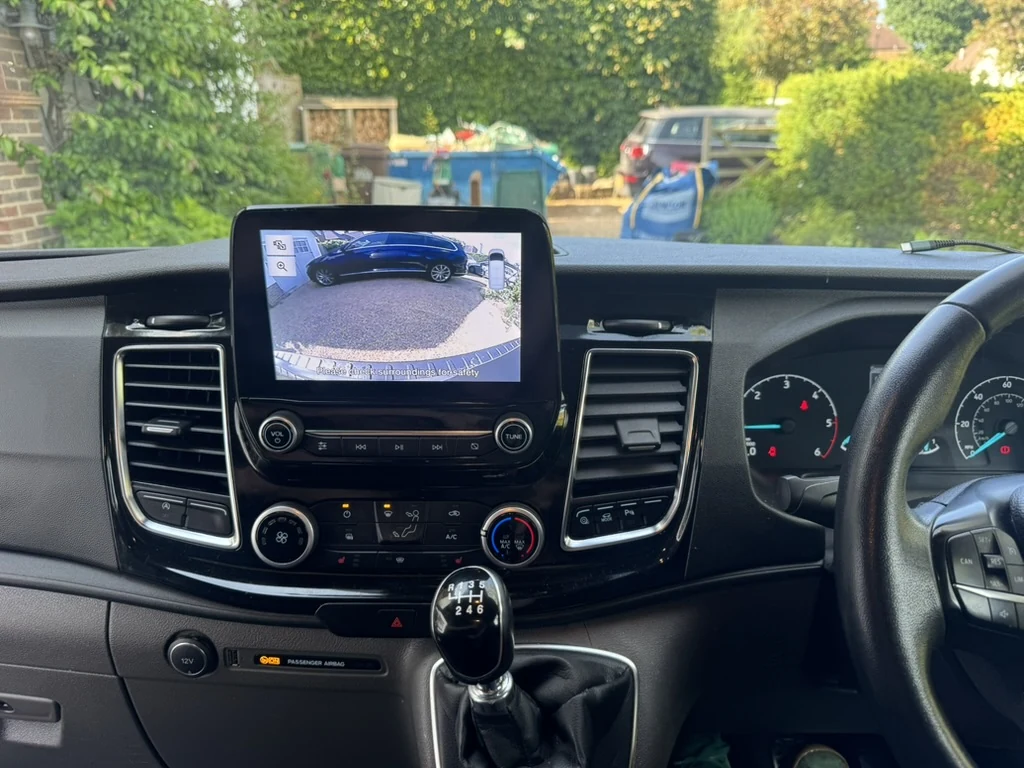
1. Look at your screen with the engine on
Pick the one that matches your Ford.
Touchscreen with a row of icons along the bottom
Audio, Phone, Settings and similar icons sit in a bar across the bottom of the screen.
This is most likely SYNC 3
Send us your model, year and postcode and we will confirm it before quoting.
Touchscreen split into four coloured corners
Phone, entertainment, navigation and climate each fill one corner.
This is usually SYNC 2
This page covers SYNC 3. Send us a photo and we will tell you what is possible.
Small screen with buttons, not a touchscreen
A smaller display controlled by buttons or a dial on the dashboard.
This is not SYNC 3
We can talk you through other options, including a camera with a separate monitor. See our other reversing camera options.
Larger, newer screen
Some recent Fords have a bigger screen with a different layout.
This may be SYNC 4
Send us a photo of the screen switched on and we will check it for you.
2. Confirm it in the menu
Open Settings, then General, then About SYNC. This shows your SYNC software details. If you can’t find that menu, move on to step 3.
3. Still unsure? Send us a photo
A photo of the screen switched on, plus your model and year, is enough for us to check. You don’t need your registration.